

Guides
Getting started in GTA 6
Your first steps in GTA 6: settings, controls, your first hours in Leonida and tips to get off to a good start with Jason and Lucia.
Getting started
11 guides

Getting started · Easy · 3 min
GTA 6: saving your game, manual, auto and backup copy
Pause menu, Game tab: 15 manual slots and 1 autosave, nothing during the prologue or a mission, and how to keep a copy before a point of no return.

Getting started · Easy · 3 min
GTA 6: game length, story, 100% and number of missions
GTA 6's story takes 50 to 65 hours across five chapters and about 90 missions; 100% climbs toward 200 hours, but its checklist stays light.

Getting started · Easy · 3 min
GTA 6: who plays who, the actors and voices of the characters
Dylan Rourke for Jason, Manni L. Perez for Lucia, and the other roles: the list of GTA 6 actors, and what to expect from French voices.

Getting started · Easy · 3 min
GTA 6 in first person: what exists and how to switch
No full first-person mode in GTA 6, but three situations where the first-person view exists: standing still, aiming with a scope, and in a car.
Getting started · Easy · 3 min
GTA 6: the first ten things to do after the prologue
In order: story first, weapons, money, settings, scanning, Jason's house, missable missions, saving, travel.
Getting started · Easy · 5 min
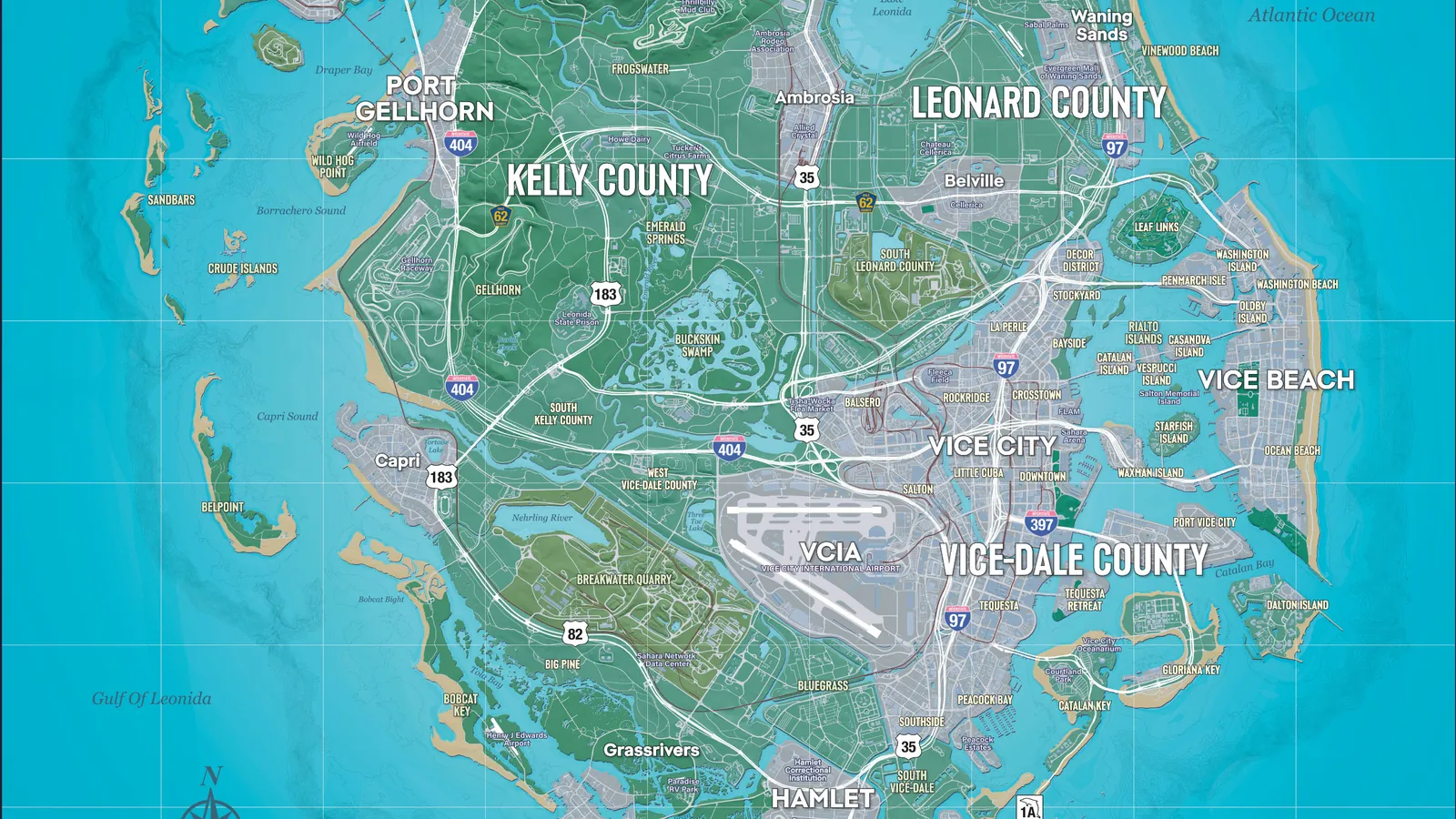
GTA 6: the regions of Leonida and how to read the map
The five counties of Leonida with their neighborhoods, islands and parks, the size of the map, the number of icons per category and the colors to find your way.

Getting started · Easy · 4 min
GTA 6: controller controls, car, helicopter and running
Running with the left stick, accelerating, braking, drifting, flying a helicopter or a plane: the controls to know, PS5 and Xbox.
Getting started · Easy · 4 min
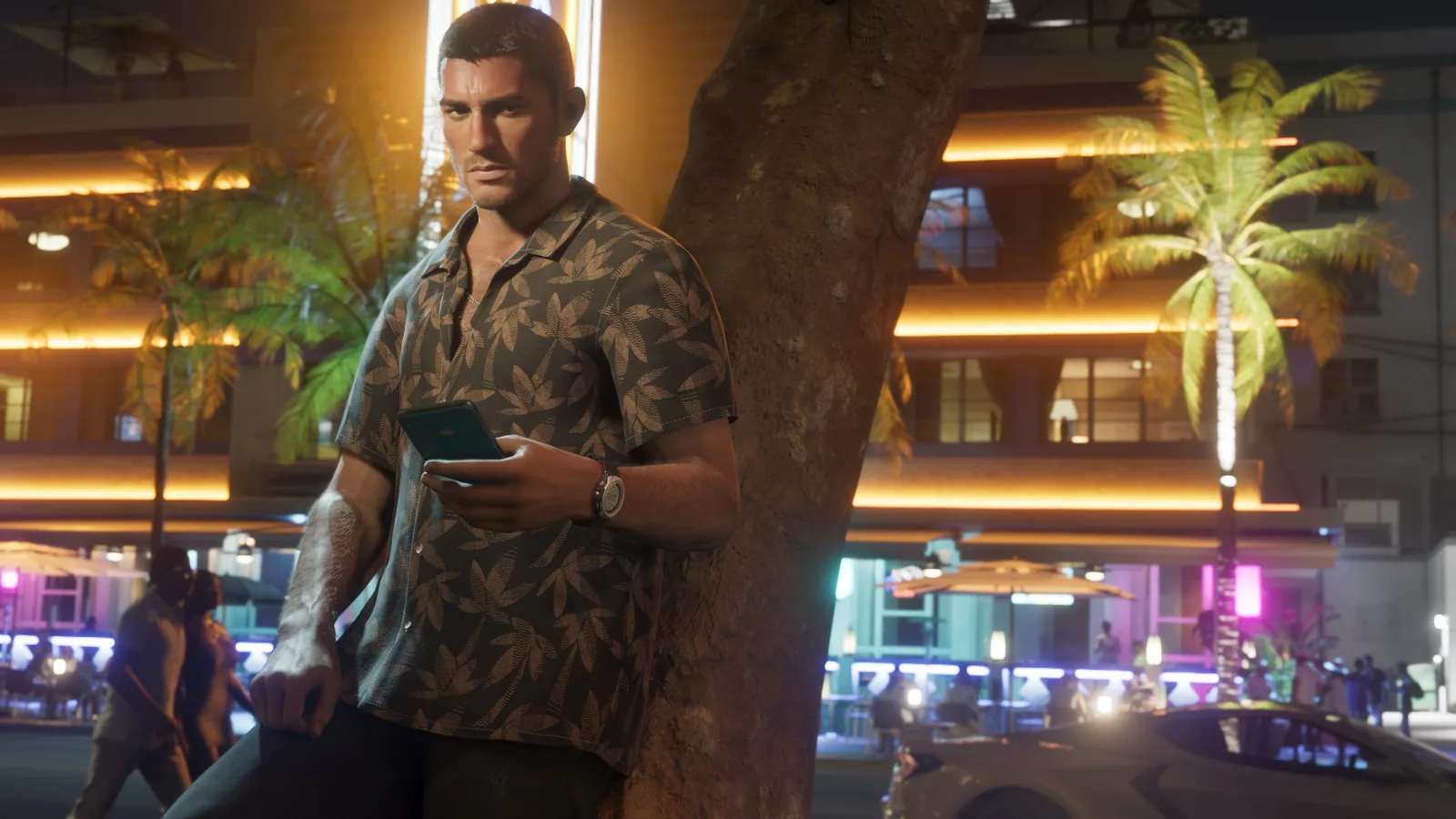
GTA 6: the phone apps and what each one does
The phone opens with a press up on the d-pad: nine apps from the start, four more with the story. Messages, social feed, banking, car scanner and delivery: it's all there.
Getting started · Easy · 4 min
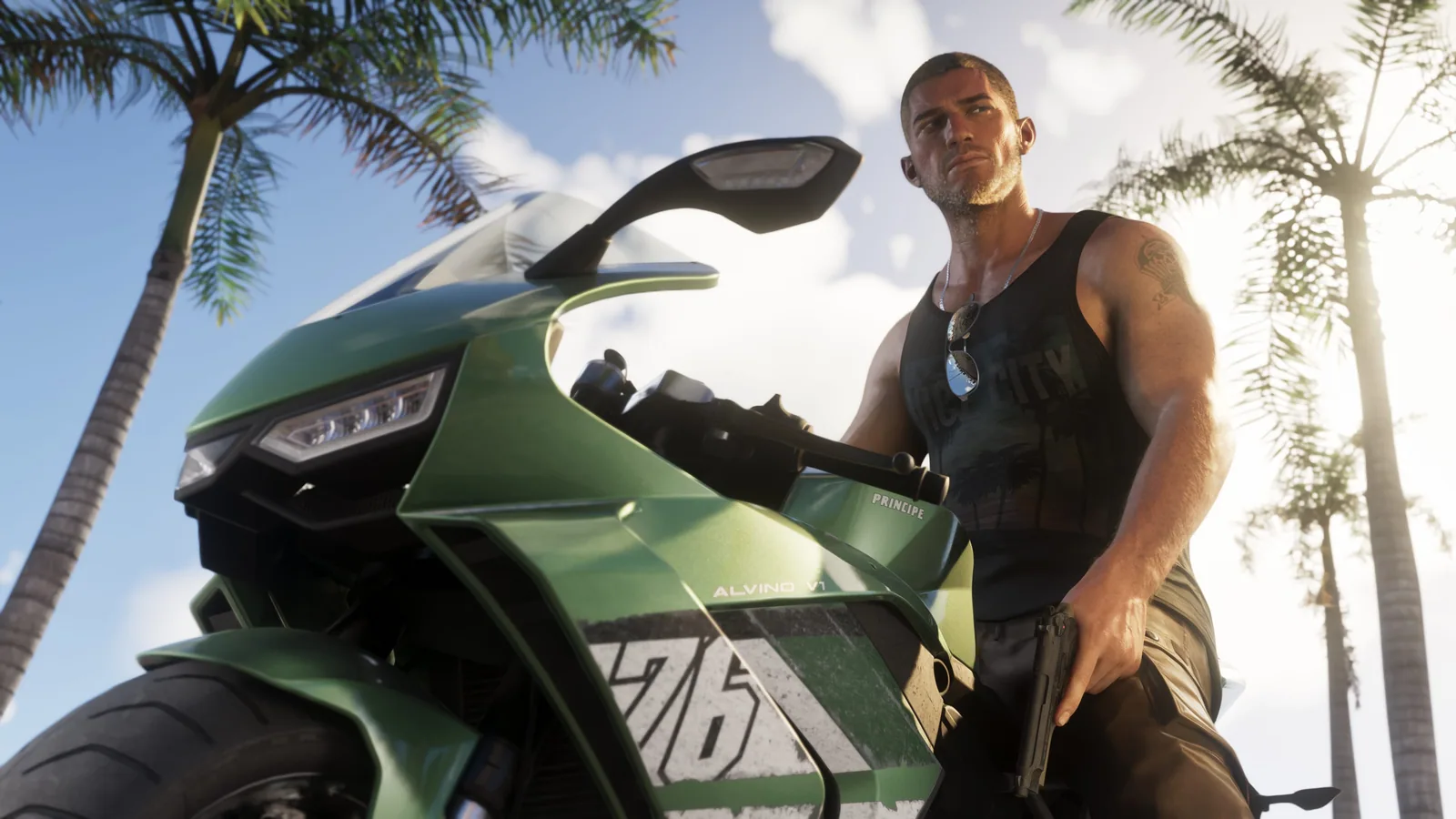
GTA 6: changing the control scheme (Classic, left-handed)
GTA 6 has three control schemes, previewable in Settings: Default, Classic (run, jump, melee and crouch moved) and Left-Handed (sticks and triggers swapped).

Getting started · Easy · 7 min
GTA 6: the best settings on PS5 and Xbox Series
Image, controls, aiming, subtitles, minimap, sound and accessibility: where each GTA 6 setting is, what it changes and the value to try first.
Getting started · Easy · 8 min
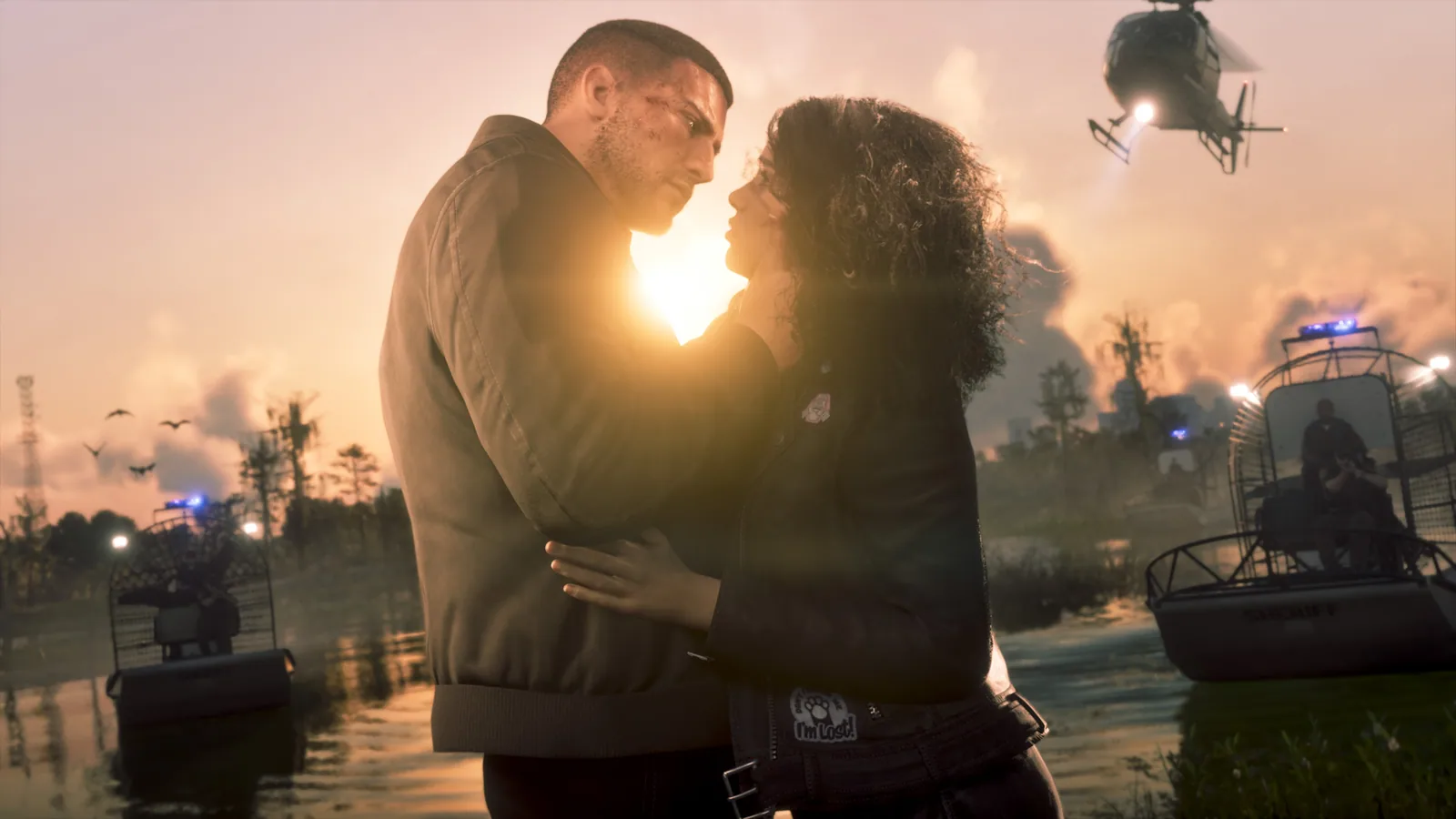
GTA 6: getting started, what to know before you play
First things to do, mistakes to avoid, easy early money with Shirley, manual saving and settings to change: everything to get GTA 6 off to a good start.