
By GTA6 Central editorial team · Platforms · Easy · 2 min read · published on · updated on
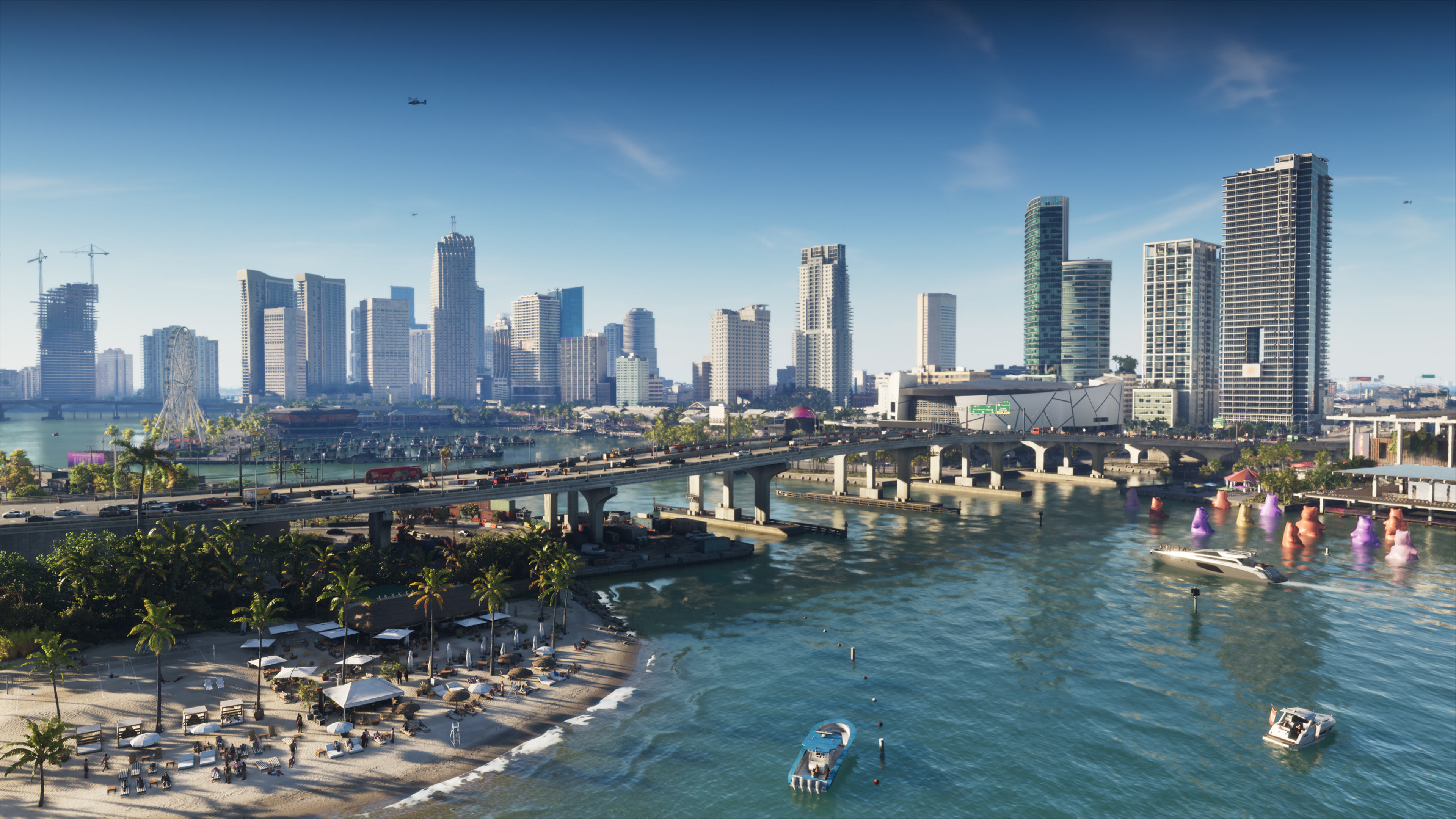
Cover image: Rockstar Games.
Update of November 20, 2026: GTA 6 came out on November 19; this guide says what to install before launching the game: space, the PS5 system update and the 1.002 patches.
Before launching GTA 6, free up to 212 GB, install the PS5 system update 26.07-14.23.00 (1.267 GB), then the game patches 01.002.000 and 01.002.001. According to Rockstar support, the release was set for midnight local time on November 19, 2026, on PS5 and Xbox Series X|S; the official game page shows it as "Now Available".
Plan for up to 212 GB
Rockstar states the game needs up to 212 GB depending on the device (November 3 announcement and support FAQ). PlayStation asks you to free at least 212 GB on the PS5. Updates have been arriving since launch: keep a margin, and see SSD and external storage if space runs short. For install time, download time by connection speed.
The updates to install
- PS5 system update 26.07-14.23.00 (1.267 GB): Sony states the game will not launch without it. On PS5: Settings > System > System Software > System Software Update and Settings, with automatic download and install of update files turned on.
- Game patches 01.002.000 and 01.002.001: to install on top of the system update. The first came out on November 13 (1.073 GB on PS5, about 2.18 GB on Xbox Series). Rockstar has published no patch notes for them.
- Automatic updates: on PS5, turn on "Auto-Install in Rest Mode" (Settings > Saved Data and Game/App Settings > Automatic Updates); on Xbox, keep automatic updates on, console on or in sleep mode.
Physical version: a code, no disc
The box holds no disc, only a download code. Redeem it on your account, then install the game: see does the box code expire.
Pre-loading is over
It was open from November 10, 2026 to players who had pre-ordered the game digitally, at midnight local time on PS5, and at 0:00 GMT worldwide on Xbox Series X|S (Rockstar support times). Since launch, anyone can simply download the game.
Playing by streaming with Xbox Cloud Gaming
According to the November 10, 2026 Newswire, the game is also offered through Xbox Cloud Gaming on Xbox Series X|S and Xbox One, with the Xbox Series S graphics settings. Rockstar warns that connection speed and other technical factors can affect streaming performance.
Once installed
- On Xbox, set the console as "home Xbox": it lets you play even if the network goes down (game sharing).
- Set up the image: best PS5 and Xbox Series settings.
- Protect your progress: online saves on PS5 and Xbox.
- A launch problem: known bugs and problems; to get started, getting started in GTA 6.
More answers are on the Questions page.
Frequently asked questions
How much space does GTA 6 need?
Up to 212 GB depending on the console, according to Rockstar; PlayStation asks you to free at least 212 GB on PS5. Updates have been arriving since launch: keep a margin.
Which updates should I install before launching GTA 6 on PS5?
The PS5 system update 26.07-14.23.00 (1.267 GB), without which Sony says the game will not launch, then the game patches 01.002.000 (1.073 GB on PS5) and 01.002.001.
What time did GTA 6 come out?
At midnight local time on November 19, 2026, in all regions, on PS5 and Xbox Series X|S alike, according to Rockstar support.
Do I need a disc to play the physical version?
No: the box only holds a download code, no disc. Redeem the code, then install the game.
Sources and verification
- Official sourceRockstar Games, official Grand Theft Auto VI page
- Official sourceRockstar Games, Newswire of November 3, 2026
- Official sourceRockstar Games, Newswire of November 10, 2026
- Official sourceRockstar Games Support, regional pre-load and release times
- Official sourceRockstar Games Support, pre-load FAQ
- Official sourcePlayStation: Grand Theft Auto VI support
These official sources are supplemented by information from press previews and community reports.
Last verified on 20 November 2026.
Comments(0)
Share your analysis and discoveries. Comments are moderated: stay respectful and avoid presenting rumors as facts.
Loading…