
By GTA6 Central editorial team · Platforms · Easy · 3 min read · published on · updated on
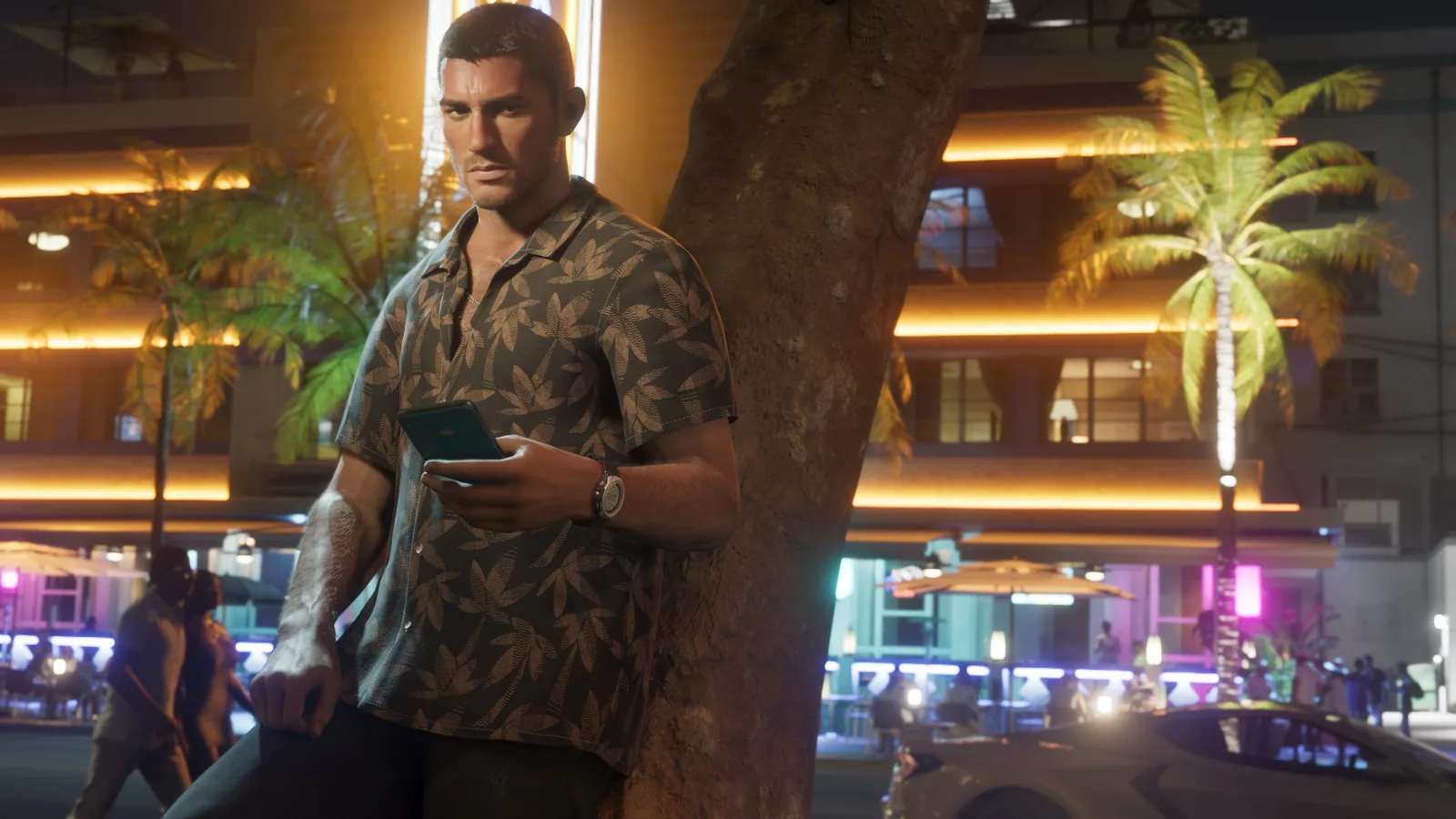
Cover image: Rockstar Games (for illustration).
On PS5 as on Xbox, you can start the GTA 6 download from your phone, with the console asleep. According to PlayStation support (checked on 20 November 2026), the PlayStation App starts the download to a paired console left in rest mode with the "Stay Connected to the Internet" option switched on. Plan for space: the game takes up to 212 GB. This is a rule of each console, not a feature specific to GTA 6.
How much space to free
According to the press, GTA 6 weighs about 212 GB on PS5 and Xbox Series, with some possible variation depending on updates. Before starting the download from your phone, check that your free space keeps up, otherwise the download will not go through. Pre-loading, open since 10 November for those who had pre-ordered digitally, is over: you now download the full game. Our guide to disk space, updates and installation details the patches to expect.
On PS5: pair the console with the app
The labels quoted below are those of the PlayStation support page.
- The app requires Android 6.0 or later, or iOS 12.2 or later.
- In the PlayStation App, open Settings > Pair Console to App, then follow the on-screen instructions.
- The console must be signed in with the same account as the app: otherwise it does not appear.
- Once paired, the PS5 can receive downloads started from the phone, and its storage can be managed remotely.
On PS5: leave the console in rest mode
PlayStation support sets two conditions for a remote download: the Stay Connected to the Internet option switched on on the console, and the console in rest mode. A PS5 that is fully switched off therefore does not meet the condition.
On PS5: start the download from the phone
- Open the PlayStation App, on its home screen.
- Select Game Library > Purchased.
- Choose the game, then Download.
- A notification tells you when the download is complete.
On PS5: free up space remotely
- In Settings > PS5 Storage, the app shows the free space of the console and of USB extended storage if connected, and lets you delete games from it.
- Moving or copying a game is not possible from the app.
- If an M.2 SSD is set as the default location for games, the app can download a game to it; if space runs short, it offers to delete games before the download starts. Our guide to SSD and external storage details these options.
On Xbox: install from the app
The official Xbox app page says it lets you "discover and download games to your console so they're ready to play when you are". A note on the page asks for a compatible device and Xbox Game Pass (the passage sits in the subscription overview), and the Xbox Series X|S or Xbox One must be on or in Instant-On mode. The page does not say whether this holds for a game bought outside the subscription. The app requires iOS 15.1 or Android 8.0 at minimum.
The overview page does not give the steps; practical guides describe them like this:
- In the Xbox app, find the game and open it.
- Choose "Download To Console".
- Select your console in the list, then "Install To This Console".
For the console to accept a remote install, turn on remote features in its settings and set its power mode to "Sleep" rather than a full shutdown. The app also lets you buy a game and set it to pre-install on the console.
On Game Pass and GTA 6, see our guide to PS Plus and Game Pass subscriptions.
After the install
- If the game does not launch or crashes, see bugs and known problems, and how to fix them.
- To find your progress on a console that has just installed the game, see keeping your online save on PS5 and Xbox.
Not to be confused with remote play, which is for playing rather than downloading: see our guide to Remote Play and PlayStation Portal, or the Questions page.
Frequently asked questions
Does the PS5 have to stay on to download from the PlayStation App?
No: according to PlayStation support, the paired PS5 must be in rest mode, with the "Stay Connected to the Internet" option switched on. A fully switched-off console does not receive the download.
How much space does GTA 6 need?
About 212 GB on PS5 and Xbox Series, with some possible variation depending on updates. Check your free space before starting the download.
Can you free up space on the PS5 from your phone?
Yes: the PlayStation App shows free space and lets you delete games from console storage and USB extended storage. Moving or copying a game is not possible there.
How do you install GTA 6 remotely on Xbox?
In the Xbox app, open the game, choose "Download To Console", select the console, then "Install To This Console". The console must be asleep, with remote features turned on.
Sources and verification
- Official sourcePlayStation: PlayStation App support
- Official sourceXbox: Xbox mobile app
- Official sourceXbox Wire: April 2025 update (buying and pre-installing from the app)
These official sources are supplemented by information from press previews.
Last verified on 20 November 2026.
Comments(0)
Share your analysis and discoveries. Comments are moderated: stay respectful and avoid presenting rumors as facts.
Loading…